






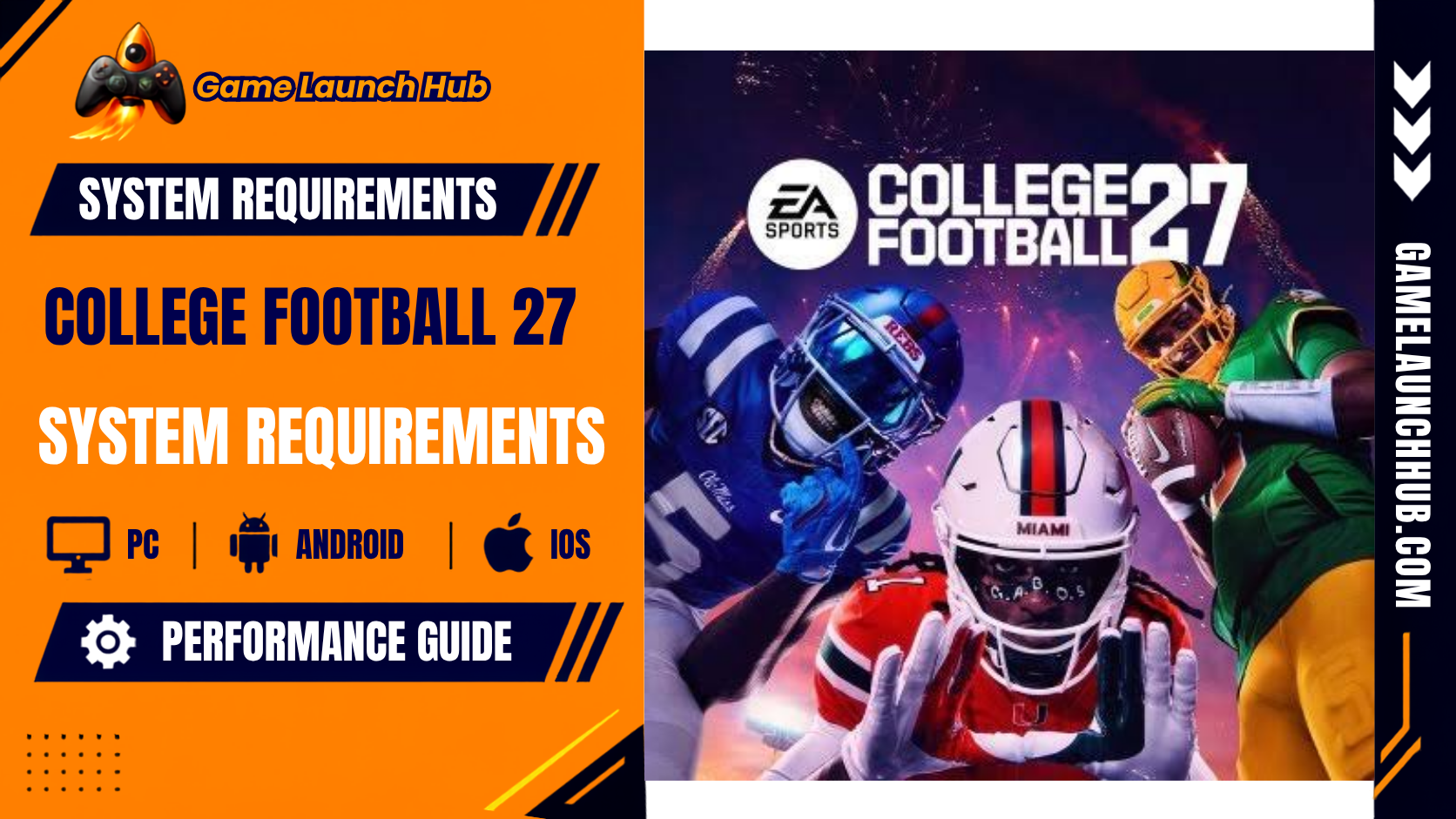

College Football 27 System Requirements: PC Specs, PS5 & Xbox Series X|S Performance Guide
EA Sports College Football 27 marks the franchise’s first appearance on PC in its modern era, and it arrives with a genuinely demanding specification sheet for a sports title. Built on the Frostbite engine, the game targets 1080p at 60 fps on Low settings with its minimum hardware and 1440p at 60 fps on High with its recommended tier. The official PC specifications are published on the EA Sports College Football 27 system requirements page and cross-checked against the Epic Games Store listing, the Steam store page, and Athlon Sports’ PC release breakdown.
System Requirements
Minimum (Windows)
| Component | Requirement |
|---|---|
| OS | Windows 11 |
| Processor | Intel Core i3-10300 (4 cores, 8 threads) or AMD Ryzen 5 2600 |
| Memory (RAM) | 12 GB |
| Graphics | NVIDIA GeForce RTX 2060, AMD Radeon RX 5600 XT, or Intel Arc A580 |
| VRAM | 6 GB on the RTX 2060; 6 GB on the RX 5600 XT; 8 GB on the Arc A580 |
| DirectX | Version 12 |
| Storage | 50 GB available space (SSD recommended) |
| Network | Broadband internet connection required |
| Additional Notes | Targets 1080p at 60 fps on Low preset. 8 logical CPU cores minimum. Intel Arc GPUs require Resizable BAR (ReBAR) enabled in BIOS. |
Source: EA Sports College Football 27 system requirements page, Epic Games Store listing, and Gadgets360. Last verified: 17 September 2026.
What this means in practice: The minimum tier targets 1080p at 60 fps on Low settings, and the hardware list is more demanding than most sports games. The RTX 2060 is a 2019 mid-range card, and the i3-10300 is a 2020 budget processor, but the 8 logical CPU core requirement is the detail that catches my eye. An i3-10300 has only 4 cores and 8 threads, which technically meets the “8 logical cores” note but leaves very little headroom for the game’s Frostbite engine to manage AI, physics, and animation systems simultaneously. If you are running a true quad-core processor without hyper-threading, you may fall short despite meeting the listed CPU model. The 12 GB RAM requirement is notably higher than the 8 GB floor most sports games list, and it reflects the game’s large playbooks, real-time weather systems, and Dynasty mode’s persistent simulation state. The 50 GB install size is moderate for a modern AAA title, and the developer recommends an SSD. Intel Arc GPU owners must enable Resizable BAR in their motherboard BIOS to meet the stated performance targets.
Recommended (Windows)
| Component | Requirement |
|---|---|
| OS | Windows 11 |
| Processor | Intel Core i7-10700 or AMD Ryzen 7 3700X |
| Memory (RAM) | 16 GB |
| Graphics | NVIDIA GeForce RTX 3060 Ti, AMD Radeon RX 6700 XT, or Intel Arc B580 |
| VRAM | 8 GB on the RTX 3060 Ti; 12 GB on the RX 6700 XT; 12 GB on the Arc B580 |
| DirectX | Version 12 |
| Storage | 50 GB available space (SSD recommended) |
| Network | Broadband internet connection required |
| Additional Notes | Targets 1440p at 60 fps on High preset. 8 logical CPU cores minimum. Intel Arc GPUs require ReBAR enabled. |
Source: EA Sports College Football 27 system requirements page, Epic Games Store listing, and Athlon Sports. Last verified: 17 September 2026.
What this means in practice: The recommended tier targets 1440p at 60 fps on High settings, and the GPU jump from RTX 2060 to RTX 3060 Ti is substantial. The i7-10700 and Ryzen 7 3700X are both 2020 processors with 8 cores and 16 threads, which comfortably exceeds the “8 logical CPU cores minimum” note. The VRAM situation is interesting: the RTX 3060 Ti ships with 8 GB, while the RX 6700 XT and Arc B580 both ship with 12 GB. This suggests the game’s texture streaming and ray-traced lighting features can use more than 8 GB at 1440p, and the AMD and Intel cards are simply reflecting their standard configurations. If you own an 8 GB card like the RTX 3060 Ti, you should still meet the recommended tier, but you may need to lower texture quality slightly in dense stadium environments. The 50 GB install size and SSD recommendation remain unchanged. If you have a gaming PC from the last three to four years with a mid-range GPU and 16 GB of RAM, you will meet this tier comfortably.
PC Performance Notes
The PC version supports a wide range of graphics settings, including ultrawide monitor support, HDR, ray-traced lighting, adjustable frame-rate caps, and separate gameplay and cutscene graphics settings, as detailed in EA’s official PC deep dive. The game also supports cross-play across PS5, Xbox Series X|S, and PC for Dynasty, Road to the College Football Playoff, College Football Ultimate Team, Play a Friend, Play Now, and Mascot Mashup modes. Cross-play is enabled by default on PS5 and PC, but Xbox players must toggle it through their console’s system settings, according to TechTimes’ PC launch coverage.
PlayStation 5
| Component | Requirement |
|---|---|
| Firmware | Latest PS5 system software |
| Storage | Not specified on the PlayStation Store listing; PC version requires 50 GB |
| Performance | Targets 60 fps; specific resolution targets not published by EA Tiburon |
| Additional Notes | PS5 Pro enhanced; no 100 fps mode despite initial speculation; cross-play supported |
Source: DapCity’s PS5 Pro performance discussion and IGN Italia’s review. Last verified: 17 September 2026.
What this means in practice: The PS5 version targets 60 fps, though EA Tiburon has not published specific resolution targets. The PS5 Pro is enhanced, but community testing has confirmed that there is no 100 fps mode despite initial player speculation. The developer has prioritised rendering detailed 3D grass blades dynamically during gameplay rather than lowering resolution parameters to push past the 60 fps threshold. This is a design choice that favours visual fidelity over raw frame rate, and it means PS5 Pro owners should not expect a dramatic performance advantage over the base PS5. One reviewer from EndeNews noted that loading times between menus can take up to 45 seconds even on the PS5’s SSD, which is a notable quality-of-life issue for a sports game with frequent menu navigation. If you own a PS5, the game runs at a consistent frame rate, but the menu loading is slower than you might expect.
Xbox Series X|S
| Component | Requirement |
|---|---|
| Firmware | Latest Xbox system software |
| Storage | Not specified on the Xbox Store listing; PC version requires 50 GB |
| Performance | Xbox Series X targets 60 fps; Xbox Series S performance targets not published |
| Additional Notes | Cross-play supported; game runs on Frostbite engine; Xbox Series X described as “fluid” in reviews |
Source: Parlandodisport’s Xbox Series X review and TechTimes’ PC launch coverage. Last verified: 17 September 2026.
What this means in practice: The Xbox Series X version targets 60 fps and is described as “fluid” in Parlandodisport’s review, which noted that the game “flows with a fluidity that enhances every detail” on Series X. However, the same review flagged menu lag and small bugs that interrupt the rhythm, including issues with pre-snap substitutions. The Xbox Series S version has not had its performance targets published by EA Tiburon, and given the PC minimum’s 12 GB RAM requirement, the Series S’s 10 GB of shared memory could be a limiting factor. If you own a Series X, the game runs well on the field, but the menu experience is not as polished as the gameplay. Cross-play is supported but must be manually enabled through Xbox system settings.
Nintendo Switch 2: Not Available
College Football 27 is not available on Nintendo Switch 2. Level Up’s coverage confirmed that despite the franchise’s arrival on PC, Switch 2 owners “will have to keep waiting for a chance to enjoy this popular series on the console.” The game launched on PS5, Xbox Series X|S, PC, and mobile only. If you play primarily on Nintendo hardware, you cannot access College Football 27.
Mobile (iOS and Android)
| Component | Requirement |
|---|---|
| iOS Devices | iPhone 13 Pro and newer (including iPhone 14 Pro, 15 Pro, 16 series, and 17 series); select iPads with M-series chips |
| Android Devices | Samsung Galaxy S24 series and newer, Google Pixel 10 series, select ASUS ROG, HONOR, OnePlus, and OPPO flagship devices |
| Storage | 40 GB free space required for initial download; approximately 30 GB maintained after installation |
| Additional Notes | Powered by Frostbite; limited device support at launch, expanding throughout the season |
Source: EA Sports College Football Mobile device compatibility guide and Miami Herald’s mobile launch coverage. Last verified: 17 September 2026.
What this means in practice: The mobile version of College Football 27 is a genuine Frostbite-powered football experience, not a simplified card game or menu-based companion app, and its device requirements reflect that. EA has launched on a select group of high-performance devices first, with plans to expand support throughout the season. On iOS, the floor is the iPhone 13 Pro and newer, which means the standard iPhone 13 and iPhone 12 are not supported. On Android, the supported list is dominated by recent flagship phones like the Galaxy S24 and S25 series, Pixel 10 series, and OnePlus 13 and newer. The 40 GB initial download is substantial for a mobile game, and the 30 GB maintained footprint will consume a significant portion of your device’s storage. If you own an older or mid-range phone, you will not be able to play the mobile version at launch, though EA has committed to adding more devices over time.
Steam Deck and Linux: Not Supported
College Football 27 does not run on Steam Deck or Linux due to EA Javelin Anticheat. PCGamingWiki’s incompatibility report confirms that launching the game on Steam for Linux produces an error stating: “Wine, Proton, and Steam Deck are not supported by this application.” This is a hard block, not a performance issue. Unlike some EA titles that have enabled Proton compatibility, College Football 27 has not been configured to run on Linux-based systems, and there is no announced timeline for a fix. If you own a Steam Deck and want to play College Football 27, you cannot.
macOS: Not Available
College Football 27 is a Windows-only release on PC. Despite some third-party databases listing Mac support, the official EA system requirements page and Epic Games Store listing both list Windows 11 only. There is no macOS version, and EA has not announced plans for one. Mac users cannot play College Football 27.
Final Verdict: Can Your Setup Run College Football 27?
College Football 27 is a more demanding PC game than its console-first predecessors, and the specification sheet reflects that. The 12 GB RAM minimum is the most significant barrier, and it rules out any PC with only 8 GB. The 8 logical CPU core requirement is the other hard threshold, and it means that older quad-core processors without hyper-threading may struggle despite meeting the listed CPU model. If you have a gaming PC from the last five to six years with an RTX 2060 or better and 16 GB of RAM, you will meet the minimum comfortably. The recommended tier asks for an RTX 3060 Ti and 16 GB of RAM, which is achievable on most mid-range gaming PCs from the last three to four years.
The 50 GB install size and SSD recommendation are worth heeding: sports games with large playbooks, weather systems, and Dynasty mode’s persistent simulation benefit significantly from faster storage. The Intel Arc GPU caveat is also important: if you own an Arc A580 or B580, you must enable Resizable BAR in your motherboard BIOS to meet the stated performance targets. Without it, your frame rate will be lower than the specification suggests.
On console, the PS5 and Xbox Series X both target 60 fps, and reviews describe the on-field experience as fluid and responsive. The menu loading times on PS5 can reach 45 seconds, which is a notable quality-of-life issue, and the Xbox Series X version has reported menu lag. There is no Nintendo Switch 2 version, and the Steam Deck is blocked by anti-cheat. The mobile version is a legitimate Frostbite-powered football game, but it requires a recent flagship device, with the iPhone 13 Pro as the minimum on iOS and the Galaxy S24 series as the floor on Android.
Specs may be revised by EA Tiburon in future patches. This article reflects the EA Sports College Football 27 system requirements page, the Epic Games Store listing, the Steam store page, Athlon Sports’ PC breakdown, EA’s official mobile device compatibility guide, PCGamingWiki’s incompatibility report, and verified outlet reviews as of 17 September 2026. Chen Xi verifies all specifications by checking official store pages and dating each table; no numbers in this article are estimated or inferred.