







Written by Chen Xi, PC & Console Requirements Specialist at Game Launch Hub
Find Your Words System Requirements: PC Specs, Steam Deck Performance & Platform Availability
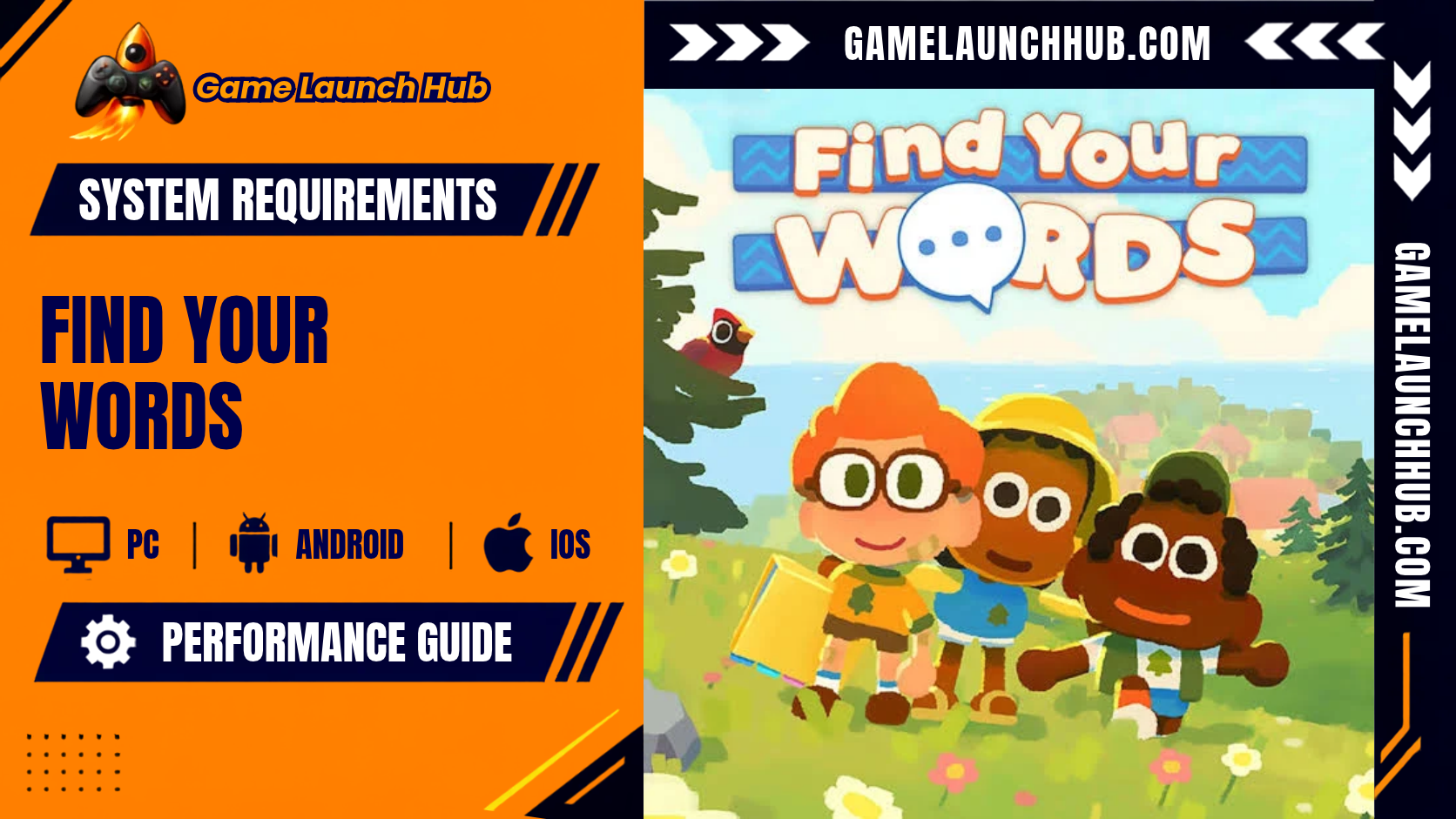
Find Your Words is a free, short-form cozy adventure from Capybara Games, the award-winning studio behind Grindstone, Below, and Superbrothers: Sword & Sworcery EP. You play as a non-speaking child navigating their first day at Camp Pals, using a communication binder filled with collectible symbols to befriend other campers and unlock shared activities. It is a personal project from two Capy developers and fathers, built with feedback from speech-language pathologists and AAC users, and it is designed to run on almost any computer. The game launched on 8 April 2026 and is available as a free download on the official Find Your Words Steam page.
System Requirements
Minimum (Windows)
| Component | Requirement |
|---|---|
| OS | Windows 10 |
| Processor | 2 Ghz |
| Memory (RAM) | 4 GB |
| Graphics | Vulkan 1.0 compatible: Intel HD Graphics 5500, AMD Radeon R5, or Nvidia GTX 1050 |
| VRAM | Not listed separately by the developer; the Intel HD 5500 and Radeon R5 use shared system memory, and the GTX 1050 ships with 2 GB |
| DirectX | Version 12 |
| Storage | 500 MB available space |
| Sound Card | Any |
| Additional Notes | Requires a 64-bit processor and operating system. Full controller support. Free-to-play with an optional Supporter Pack priced at $4.99. The game is excluded from Steam Family Sharing because it is free. |
Source: Find Your Words Steam store page and SteamDB. Last verified: 14 October 2026.
What this means in practice: The minimum tier targets 1080p at 60 fps on the game’s default settings. The 2 Ghz processor requirement is deliberately broad, covering chips from roughly 2008 onward, and the Intel HD Graphics 5500 is integrated graphics from 2015. The inclusion of integrated graphics as a supported minimum means the game is designed to run on laptops and desktops with no dedicated GPU at all. The 4 GB system RAM floor is one of the lowest of any 2026 release, and the 500 MB install size is equally tiny. Because the game is built on the Godot Engine, its rendering pipeline is lightweight by design, and its hand-painted 3D environments and symbol-based UI do not place heavy demands on GPU memory. You will not be VRAM-limited at 1080p on any card from the last decade. If you own a computer built in the last ten to twelve years, you will clear this bar comfortably.
Recommended (Windows): Not Published
Capybara Games has not published a Recommended specifications tier for Find Your Words. The Steam store page’s recommended section lists only “Requires a 64-bit processor and operating system,” with no processor, RAM, GPU, or storage figures. This is common for small-scale indie titles where the developer expects the minimum specification to deliver a smooth experience at higher resolutions. The absence of a Recommended tier is not a concern here: the game runs at 1080p and 60 fps on integrated graphics from 2015, so any dedicated GPU from the last decade will comfortably handle higher resolutions. If your PC clears the minimum, you can expect to run Find Your Words at your display’s native resolution without meaningful performance loss. Do not upgrade your hardware for this game.
A Note on VRAM and System RAM
Capybara Games does not publish a separate VRAM figure, and the listed minimum GPUs confirm the game’s modest rendering demands. The Intel HD Graphics 5500 and AMD Radeon R5 are integrated or entry-level cards that use shared system memory, and the Nvidia GTX 1050 is a 2016 entry-level card with 2 GB of dedicated VRAM. Find Your Words is a cozy adventure with hand-painted environments, a symbol-based communication binder, and a cast of stylised campers. This is not a texture-heavy or geometry-intensive rendering approach. The 4 GB system RAM requirement is the more relevant constraint, and it reflects the game’s memory footprint holding the camp map, camper friendship states, and the symbol combination system in memory simultaneously. Do not upgrade your GPU for this game.
Steam Deck
| Component | Requirement |
|---|---|
| Compatibility | Playable (Valve’s official rating). Confirmed by SteamDB’s compatibility data. |
| Performance | Runs natively on SteamOS. SteamDB confirms that “all functionality is accessible when using the default controller configuration.” |
| Additional Notes | The game does not default to external Bluetooth or USB controllers on Deck and may require manually switching the active controller via the Quick Access Menu. The 500 MB install size makes it one of the smallest games on the platform. |
Source: SteamDB’s Steam Deck compatibility data and the Find Your Words Steam store page. Last verified: 14 October 2026.
What this means in practice: Find Your Words carries a Playable rating on Steam Deck, Valve’s middle compatibility tier rather than the full Verified badge. SteamDB confirms that all functionality is accessible with the default controller configuration, which is the core requirement for handheld play. The rating falls short of Verified because the game does not default to external Bluetooth or USB controllers, a minor quirk that requires manual switching via the Quick Access Menu if you want to use a separate gamepad. The 500 MB install size means it takes up almost no storage space. A Steam Community reviewer noted that the game has “no resolution options or any gfx settings and performance isn’t great on my ancient hardware,” which is an honest caveat: the game offers no graphics settings to tweak, so you get the developer’s intended presentation and nothing else. If you own a Steam Deck and enjoy cozy narrative adventures, this is a functional portable experience with a very small footprint.
macOS and Linux: Not Available
Find Your Words is a Windows-only release on PC. The Steam store page and SteamDB’s supported systems data list Windows as the only supported platform. There is no macOS or native Linux version available. Steam Deck users play through SteamOS, and the Playable rating confirms that this compatibility layer works with the minor caveats noted above.
PlayStation 5, Xbox Series X|S, and Nintendo Switch 2: Not Available
Find Your Words has no console versions. GamingBuddy’s release listing confirms the platform as PC (Microsoft Windows) only, and Kotaku’s game page lists the platform as PC with no console mentions. OpenCritic’s platform listing shows the game’s available platforms as PC only, despite the site’s navigation bar listing other platforms for browsing purposes. A MonsterVine announcement confirmed the game “will launch this April” as “a free game, with an optional supporter edition planned for later,” with no console platforms mentioned. The official press release states the game “will launch in April” and “will be available as a free game with an optional supporter edition to come later,” with no console versions announced. If you play primarily on a console, you cannot access Find Your Words at this time.
Price and Content
Find Your Words is free-to-play on Steam, with an optional Supporter Pack priced at $4.99 that includes additional content for players who want to support the developers. A bundle with Alba: A Wildlife Adventure is available for $19.78 (10 percent off). The game features exploration of Camp Pals at your own pace, collectible symbols for your communication binder, symbol combinations with unique meanings that unlock new interactions, deepening friendships with campers that reveal shared activities, and a cast of characters each “bursting with personality.” The game is designed for all ages, with the developers stating their hope is “to shine a light on the ways we communicate beyond speech.” A Steam Community reviewer described it as “a brief summer adventure, takes an hour or so,” making it a short, focused experience.
Reception and Review Scores
Find Your Words holds an “Overwhelmingly Positive” rating on Steam with 97 percent positive reviews, according to SteamDB’s review data. The game holds an OpenCritic score of 82 with a top critic average of 82 from four critic reviews, ranking in the 86th percentile of games scored on the platform, according to OpenCritic’s critic review page. Metacritic’s user reviews show 100 percent positive ratings. Indie Hive called it “a wonderful game that is both accessible and enjoyable to a wide range of ages and player types” with a “wholesome and uplifting narrative conveyed beautifully through its fun gameplay, cute visuals, relaxing music, and the best kind of price tag: free.” Yahoo Tech’s review noted that the game “uses a way of communicating I’ve never experienced in a game before” and that it “made me realise how much I’ve been taking standard dialogue for granted.” Siliconera described it as “a peaceful social experience” that “feels like an educational experience hidden inside a cozy, friendly simulation,” with the only real downside being its short length. GPourGeek scored it 7/10, praising the “simple and effective dialogue mechanic,” “charming atmosphere,” and that it is “free” and “a game that does you good.” The most consistent criticism is the short length and lack of graphics or resolution options, while the most consistent praise is for the communication system, wholesome tone, and thoughtful representation.
Final Verdict: Can Your PC Run Find Your Words?
Yes, almost certainly. Find Your Words is one of the most accessible games of 2026 on PC. The minimum spec asks for a 2 Ghz processor, 4 GB of RAM, and Vulkan 1.0 compatible graphics, which includes integrated Intel HD 5500 graphics from 2015. The 500 MB install size is one of the smallest of any 2026 release, and there is no SSD requirement. If you own a computer built in the last ten to twelve years that runs Windows 10, you can run this game at 1080p and 60 fps without difficulty.
The absence of a Recommended specification is not a concern here. The game runs at 1080p and 60 fps on integrated graphics, so any dedicated GPU from the last decade will comfortably handle higher resolutions. The 4 GB RAM requirement is modest, and you will not be VRAM-limited at any resolution. Do not upgrade your hardware for this game.
On Steam Deck, the game is Playable and runs natively on SteamOS with full controller support, though the game does not default to external controllers. The 500 MB install size makes it an ideal title to keep installed. There are no console versions, and Capybara Games has not announced plans for PlayStation, Xbox, or Nintendo releases. There is no macOS or Linux version. The game is free-to-play with an optional $4.99 Supporter Pack, and it holds an “Overwhelmingly Positive” rating on Steam and an OpenCritic score of 82. It is best suited for players who enjoy short, wholesome, narrative-driven adventures with a focus on communication and empathy, and it is particularly notable for being created by two fathers celebrating their non-speaking children’s journeys with AAC.
Specs and performance may be revised by Capybara Games in future patches. This article reflects the Find Your Words Steam store page, SteamDB’s app data, review data, and Steam Deck compatibility data, OpenCritic’s critic review page, Metacritic’s user reviews, the official GamesPress release, Gematsu’s launch coverage, MonsterVine’s announcement, Kotaku’s game page, GamingBuddy’s platform listing, Indie Hive’s review, Yahoo Tech’s review, Siliconera’s review, GPourGeek’s review, and verified outlet reports as of 14 October 2026. Chen Xi verifies all specifications by checking official store pages and dating each table; no numbers in this article are estimated or inferred.